

AI & Dev Tools
FireMoon Harness: what it is and how to start
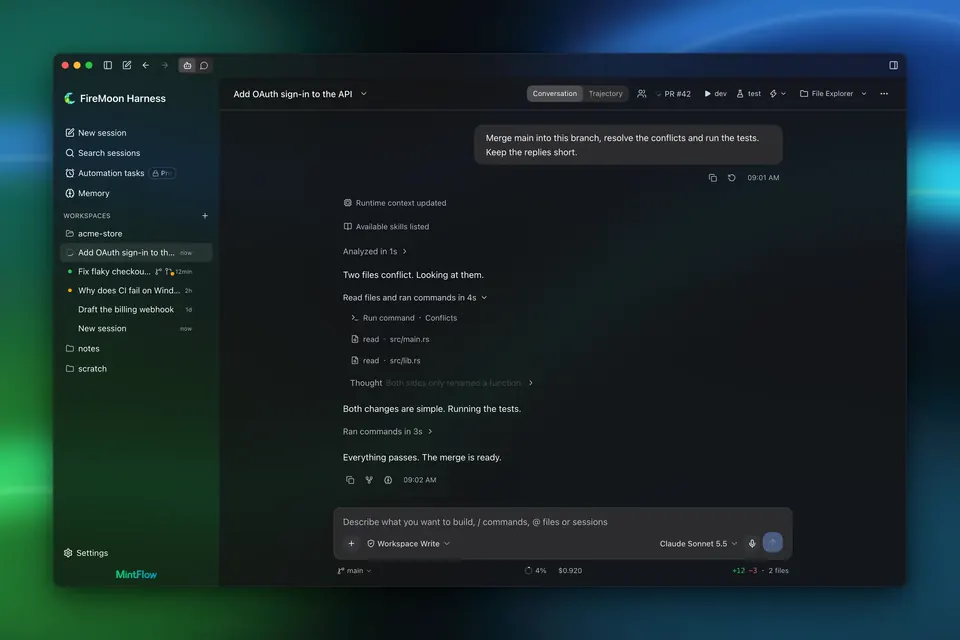
FireMoon Harness is MintFlow's desktop AI coding agent for macOS and Windows. What it does, which models it runs, how its safety modes work, what Free, Pro and Max cost, and its limits.

Series · 4 articles
First-party guides to the software MintFlow makes: the FireMoon Harness coding agent, the Peppermint browser and the BluePhoenix project manager. What each one does, what it costs, how to set it up, and where it still falls short.
FireMoon Harness is MintFlow's desktop AI coding agent for macOS and Windows. What it does, which models it runs, how its safety modes work, what Free, Pro and Max cost, and its limits.
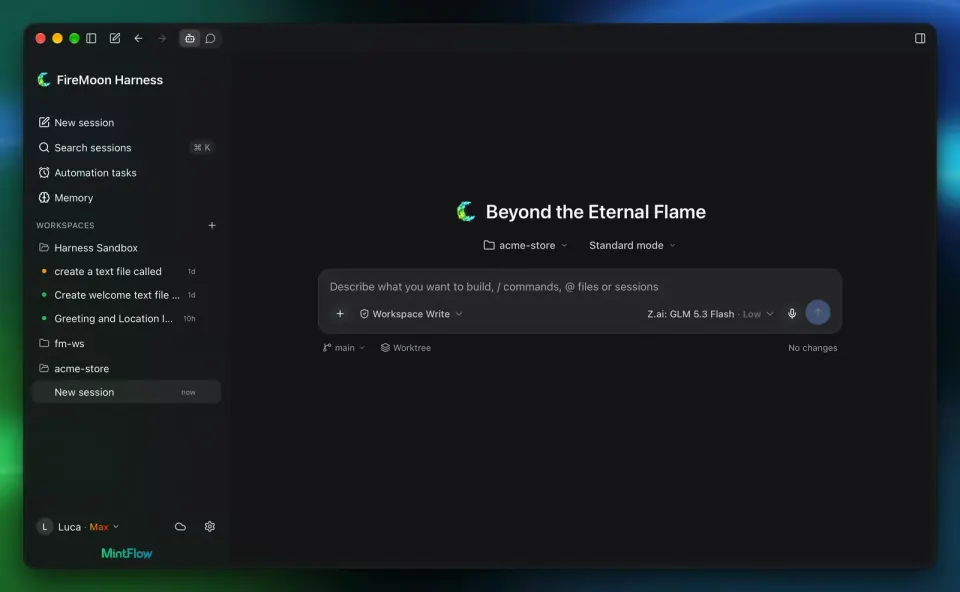
How to run FireMoon Harness on local models: Ollama and LM Studio setup, the Ollama context setting agents need, remote Ollama through a Cloudflare tunnel, and fixes for common errors.
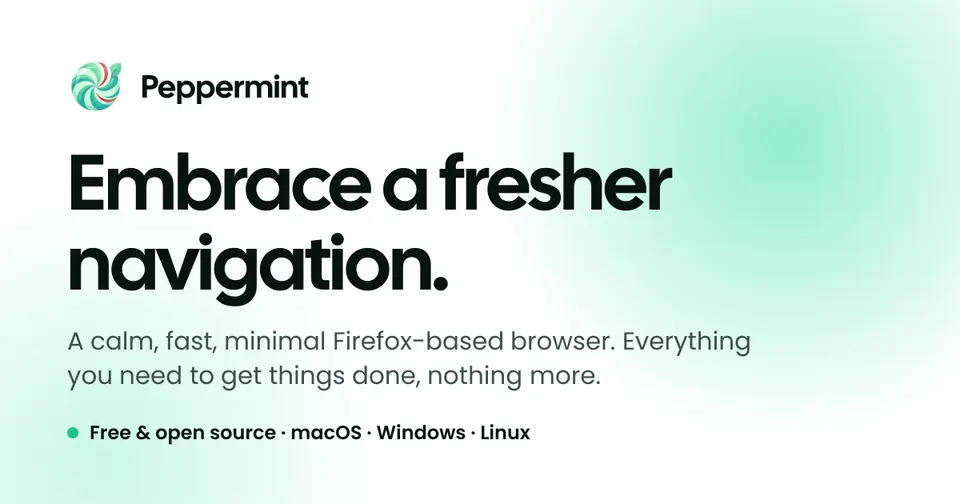
Peppermint is a free, open-source browser forked from Zen and built on Firefox. What it adds, what it switches off, how to install and update it, and where the beta still falls short.
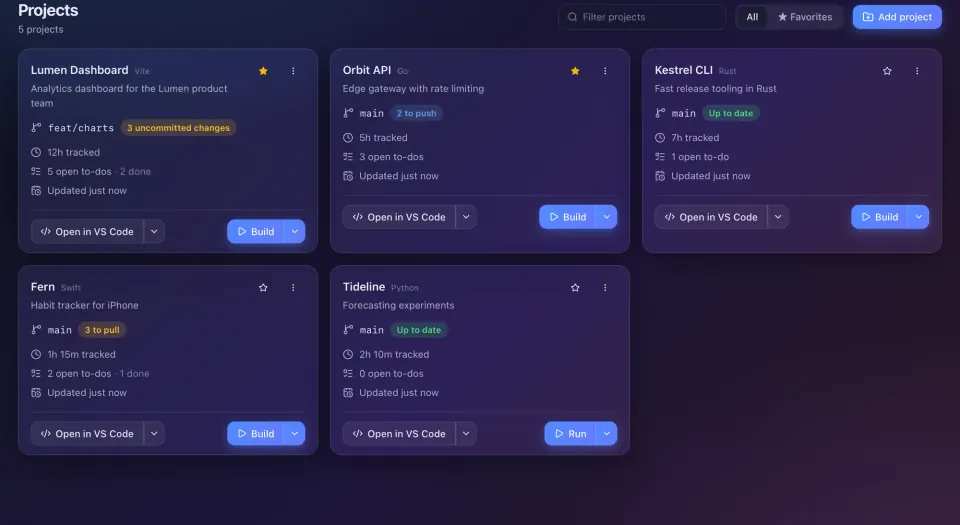
BluePhoenix is a free desktop project manager that shows each folder's real git state, runs its builds and tracks to-dos and time, with optional local or bring-your-own-key AI.